Last winter I wrapped up a four-week growth marketing bootcamp with two hundred and eighty enrolled students. The live sessions went great, attendees built real campaigns, and everyone was excited for their graduation certificates.
Then Sunday evening arrived.
I opened Canva, picked a clean certificate layout, and started copy-pasting names from my Google Sheets roster. By the fiftieth certificate, my eyes were burning. A student named 'Parthasarathy Venkatasubramanian' had his name overflow into the border, another student's certificate ID got mixed up with the previous row, and Canva's bulk create tool kept throwing CSV encoding warnings whenever names contained special accents.
It took me four and a half hours of mind-numbing manual work just to export individual PDFs. And the next morning, my WhatsApp inbox blew up with fifteen students asking for name corrections.
That was the night I swore I would never manually create certificates again.
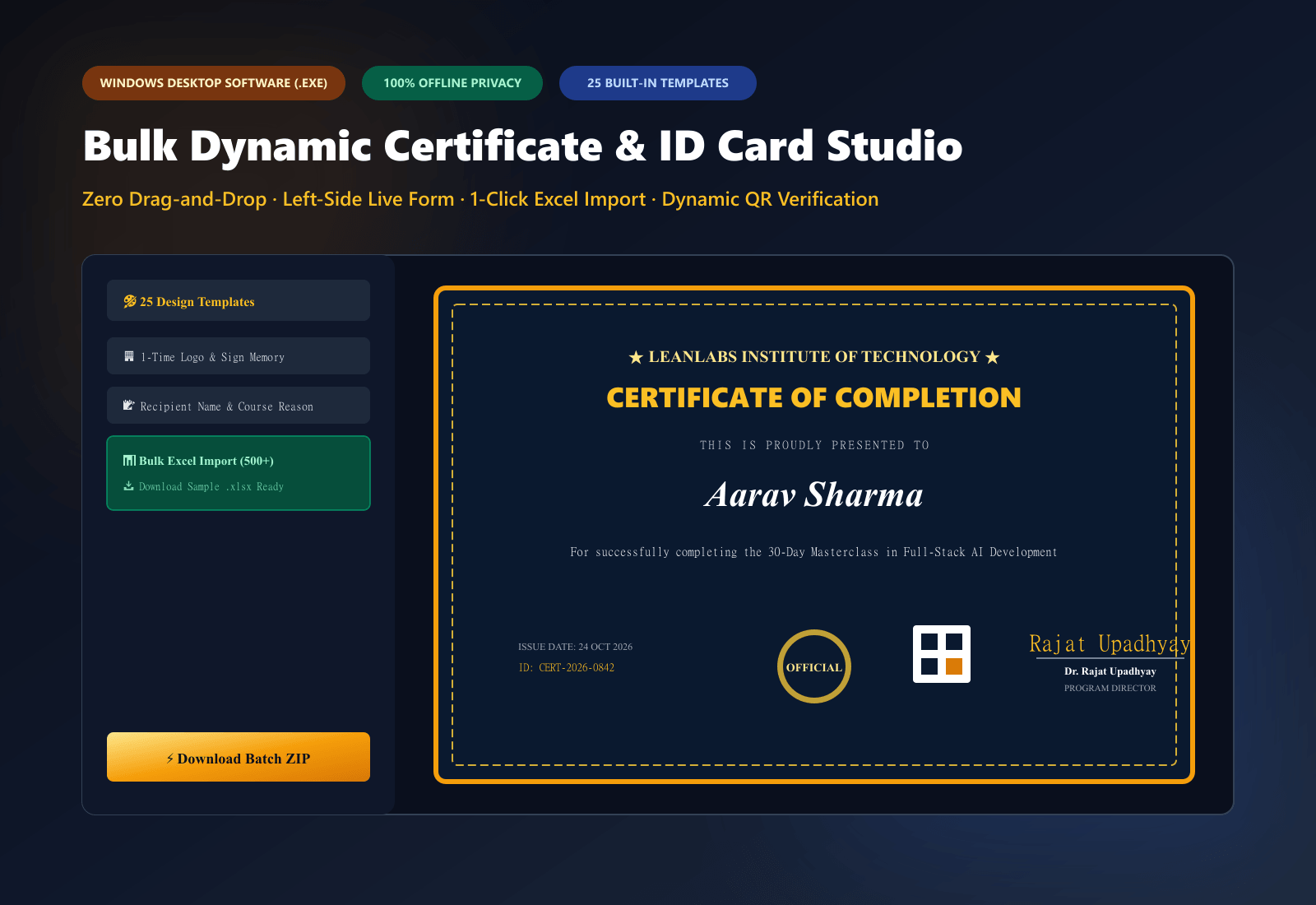
Bulk Dynamic Certificate Studio 52 Templates
Why Most Bulk Certificate Methods Break Down
If you run workshops, corporate training, hackathons, or webinars, you have probably run into the exact same three pain points:
- Canva Bulk Create Requires Paid Pro & Still Needs Fixing: While Canva has a bulk create feature, it is locked behind Canva Pro. Even when you upload a CSV, long names will not automatically fit the designated text bounding box. You end up having to open fifty different pages manually just to reduce font sizes.
- Online Certificate Generators Charge Monthly Fees: Most SaaS certificate generators charge anywhere between forty to eighty dollars a month. If you only host one webinar or workshop every two months, paying five thousand rupees every month just to issue receipts and credentials makes no economic sense.
- Zero Tamper-Proof Verification: In 2026, companies and hiring managers rarely trust plain PDF certificates without verification. If someone applies for a job with a certificate, employers want to scan a quick QR code and verify that the credential actually belongs to that student.
Dynamic QR Code Verification on Certificate
The Fast & Free Setup: Excel to 500 Certificates in 2 Minutes
Instead of relying on cloud tools that store your attendees' private emails on external servers, the cleanest approach is to use a lightweight client-side desktop application.
We generate all workshop credentials and client diplomas using our Bulk Dynamic Certificate Studio. It operates completely offline on your Windows laptop, stores your company logo and digital signature once, and instantly converts your raw Excel sheet into individual, high-resolution 300 DPI vector PDFs packed into a single ZIP archive.
Here is the exact step-by-step workflow:
Step 1: Prepare Your Attendee Excel Spreadsheet
You do not need complicated formulas. You only need a simple table with four main columns:
| Name | CertificateID | Date | Reason |
| :--- | :--- | :--- | :--- |
| Aarav Sharma | CERT-2026-001 | October 24, 2026 | for successfully completing Full-Stack Web Development |
| Priya Verma | CERT-2026-002 | October 24, 2026 | for outstanding merit in UI/UX Design Sprint |
| Rohan Mehta | CERT-2026-003 | October 24, 2026 | for excellence in Python Data Engineering |
The software includes a pre-formatted Sample-Certificate-Attendees-List.xlsx file that you can download with one click, fill out, and use immediately.
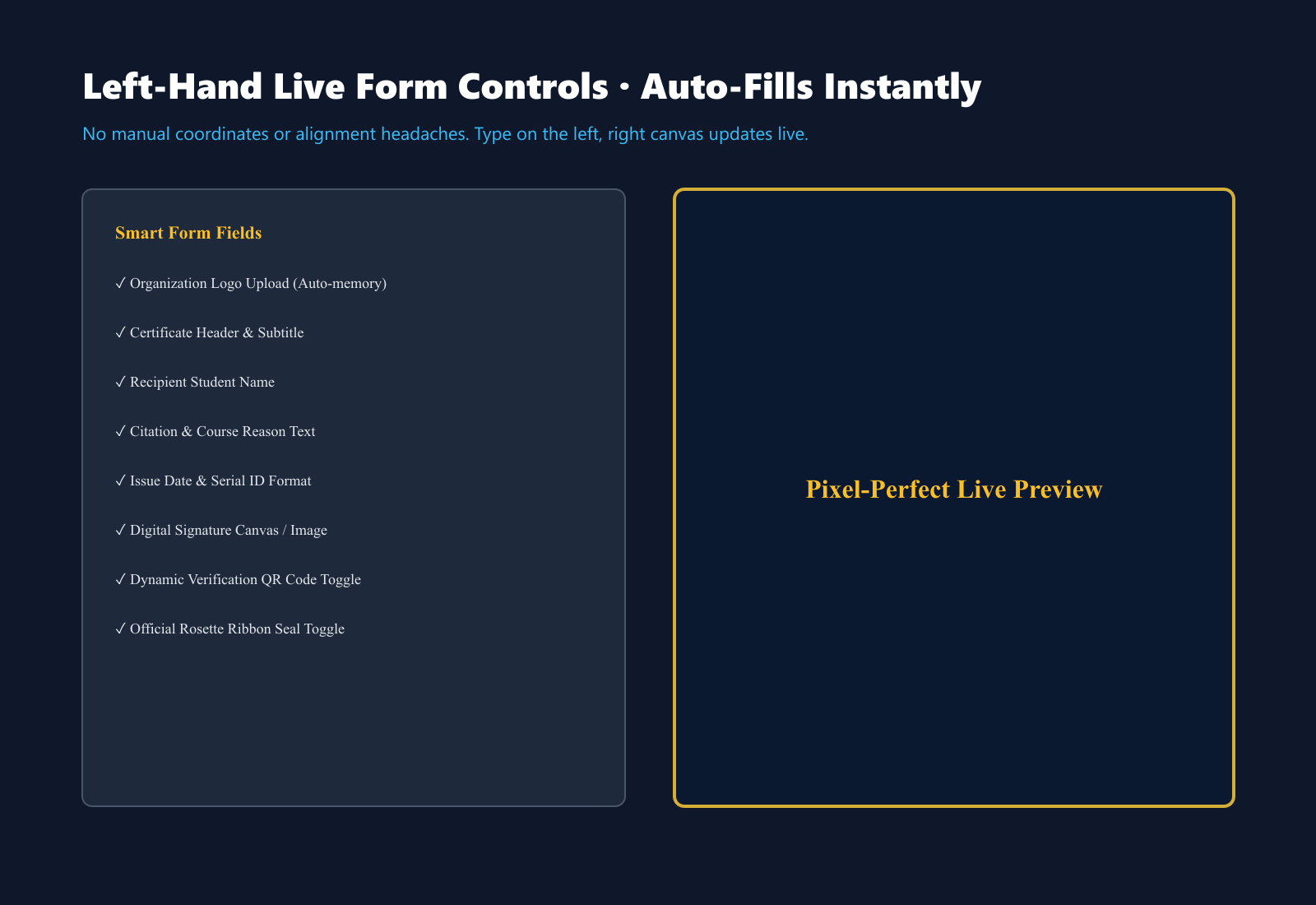
Excel Spreadsheet Import and Live Attendee Roster
Step 2: Set Up Global Branding Once
In the software's Branding tab, upload your company or institute logo (transparent PNG works best) and your authorized signature.
Once saved, the software remembers these branding assets in your local computer memory. Every certificate you generate—whether a single emergency certificate or a batch of four hundred—automatically applies your exact logo, official gold rosette ribbon seal, and authorized signatory details.
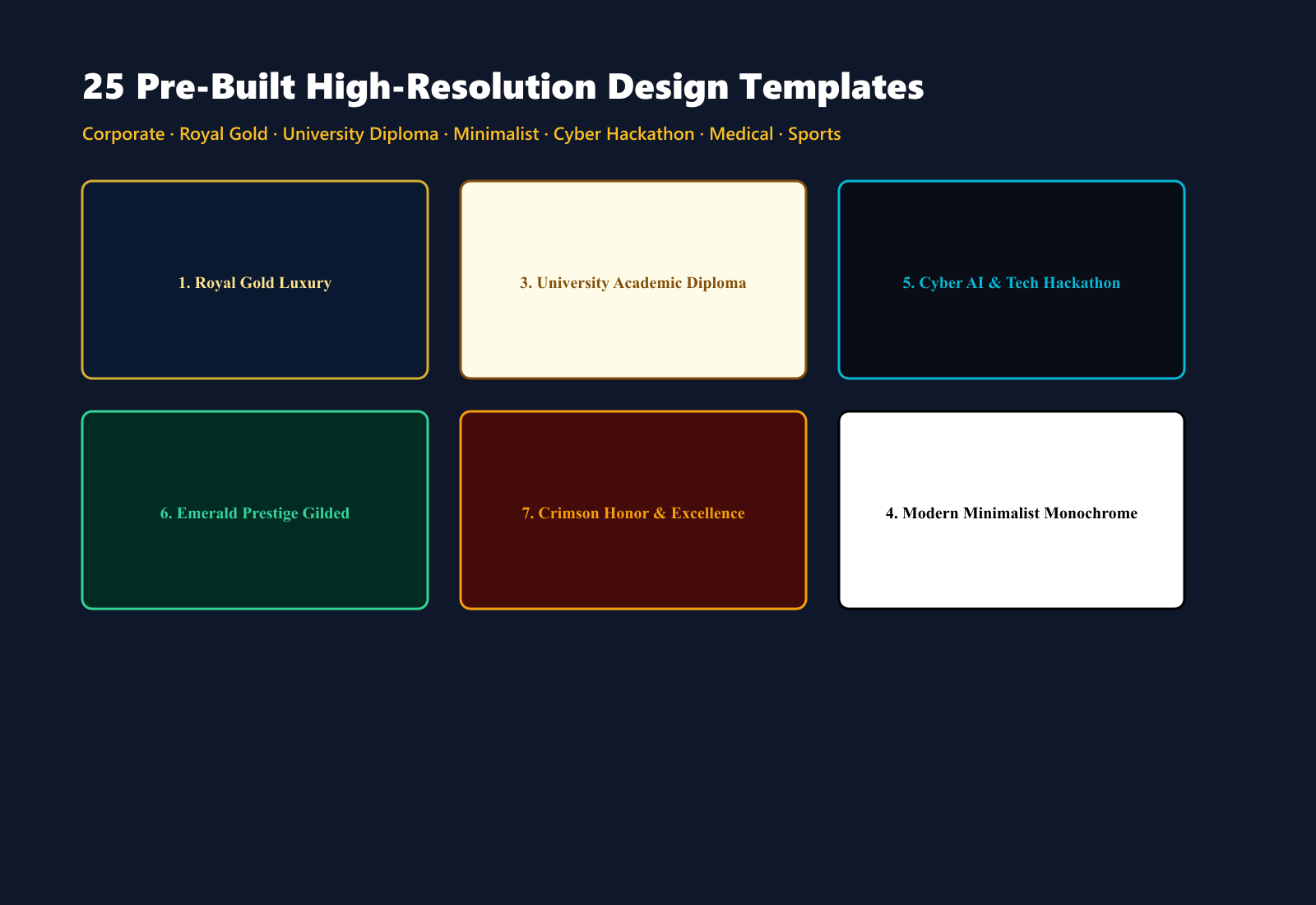
Step 3: Choose from 52 Genuinely Unique Design Templates
Unlike generic certificate tools that only swap background colors, the studio provides 52 distinctly crafted vector graphical layouts across six categories:
- Corporate & Executive: Emerald wave curve banners, navy and gold diagonal corner triangles, dual ribbon bands.
- Academic & Diplomas: Vintage Victorian engraved banknote guilloche frames, formal collegiate parchment crests.
- Tech & AI Hackathons: Cyber terminal grids, electronic PCB motherboard traces, electric cyan corner nodes.
- Awards & Honors: Golden laurel wreath celebration arches, presidential velvet seals, victory rosette ribbons.
- Creative & Modern: Flowing pastel organic shapes, sunset fluid gradients, Memphis pop art squiggles.
- Minimalist & Geometric: Swiss brutalist bold lines, floating diamond gold hairlines, clean typographics.
You can preview any design in real time with zero drag-and-drop alignment headaches. Long recipient names automatically scale to fit the design frame without clipping.
Step 4: Import Excel and Export All as ZIP
Switch to Bulk Excel Mode, drag and drop your spreadsheet, and the software instantly builds a live attendee roster. You can click 'Next' and 'Prev' to inspect any student's live certificate preview on your screen.
When ready, click Download All As ZIP. The software processes the entire roster locally at 300 DPI and compiles every student's individual certificate into a cleanly named ZIP file in under twenty seconds.
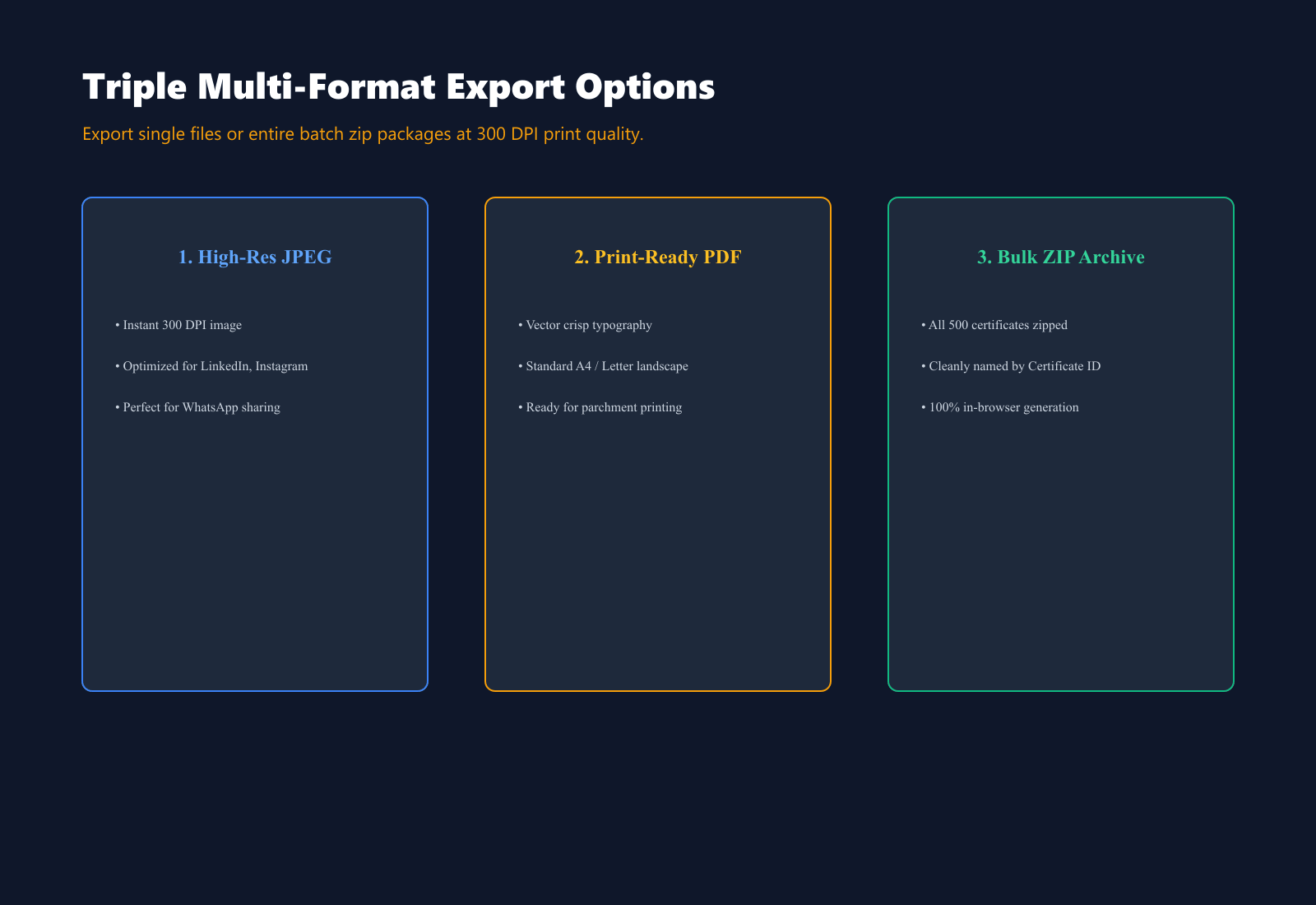
1-Click Batch ZIP Export of 300 DPI Vector PDFs
Frequently Asked Questions
Can I generate bulk certificates without having Microsoft Excel installed?
Yes. You can create your attendee list in free Google Sheets or LibreOffice Calc, export it as a .xlsx or .csv file, and upload it directly into the studio.
Does the software upload my attendee names to the cloud?
No. All rendering, QR code generation, and PDF vector processing happen 100% inside your local browser runtime. Zero attendee names, email addresses, or company signatures ever touch an external server.
How does the dynamic verification QR code work?
Each certificate features an auto-generated QR code encoding the student's unique ID, recipient name, issue date, and your verification URL. When someone points their phone camera at the printed or digital certificate, it validates the student's credentials instantly.
What happens if a recipient has an unusually long name?
The layout engine uses dynamic CSS text scaling. Even names with twenty-five or thirty characters automatically adjust their font sizing and line spacing to remain balanced inside the decorative border.
---
If you host workshops, train teams, or run college events, you can download the standalone Windows desktop software from our Bulk Dynamic Certificate Studio page for lifetime offline access.
If you want to see video walkthroughs of how I automate digital products and client agency workflows, subscribe to my YouTube Channel (@rajatupadhyay). I also share daily automation tips, tool updates, and freelancing case studies on my Instagram Profile (@rajatupadhyay.in). Drop me a DM if you need help with your certificate pipeline!