A few months back I logged into an e-commerce client's dashboard to figure out why their order notifications had died overnight. Turns out their cloud automation provider had paused their account after hitting a five-thousand-operation limit. Their marketing manager was panicking because forty new buyers had never received tracking links.
We migrated their entire pipeline onto Make first. Make's visual router made it easy to map data between Webflow webhooks and Google Sheets, and their free plan gives you a thousand operations. But the moment we added real-time error handling and database retries, their operations ran dry before mid-month.

Make.com Visual Workflow Canvas
That was when I spun up a self-hosted n8n instance on a five-dollar DigitalOcean server. Unlike cloud platforms that charge you every time a webhook fires, self-hosted n8n lets you run unlimited workflow executions for the price of your hosting. We set up daily backup nodes, automatic lead deduplication, and custom JavaScript transforms without worrying about an invoice at the end of the month.
My general recommendation to friends is pretty straightforward. I lean towards Make whenever I need a quick prototype for simple Google Sheets connections. For anything involving customer database records or heavy webhook traffic, I install n8n on a private virtual server so nobody bills me per execution.

n8n Production Nodes and Webhooks
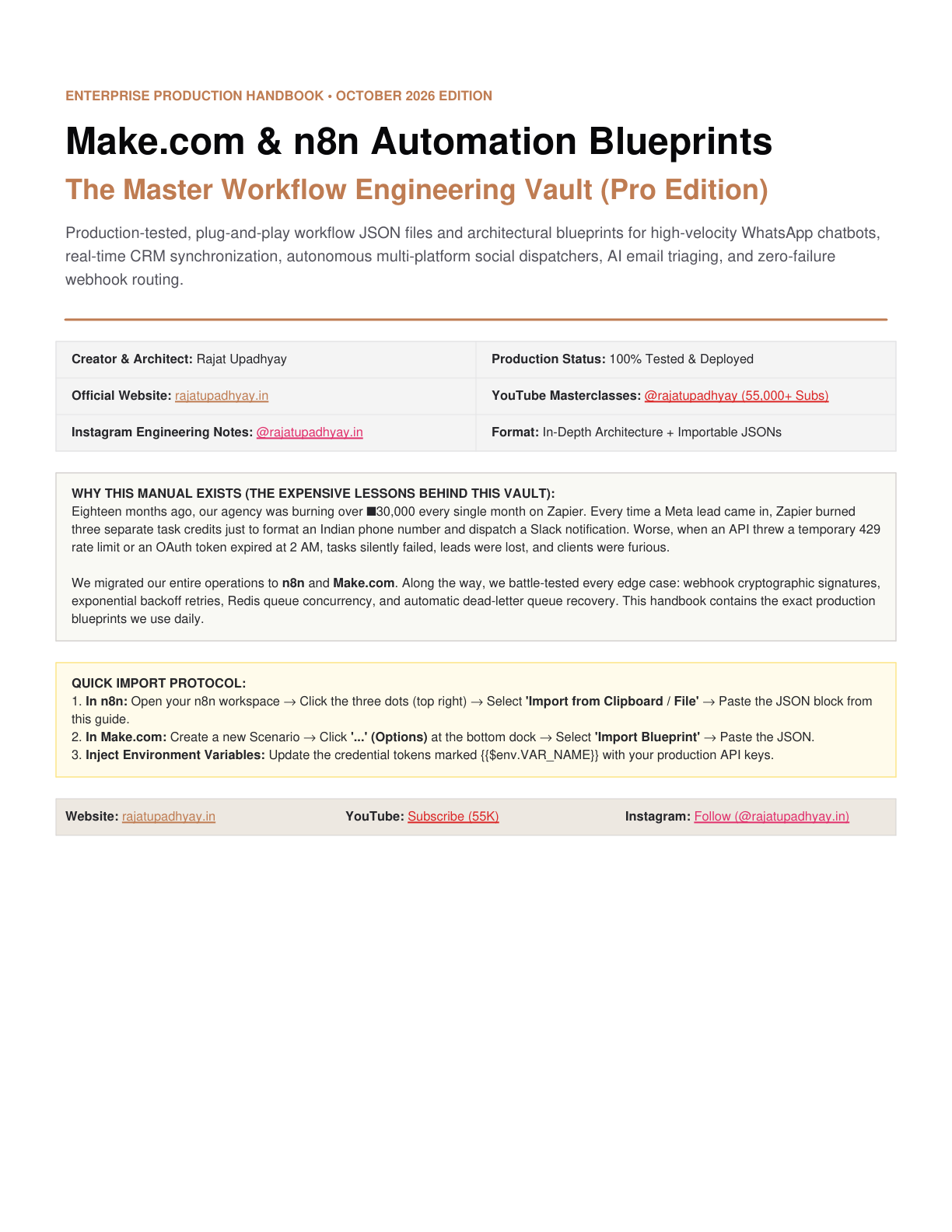
We packaged the exact webhook workflows and error-handling trees we run for agency clients into our Make & n8n Automation Blueprints on the store. It comes with pre-built JSON templates for WhatsApp alerts, CRM syncs, and payment webhooks so you can import them into your workspace in two clicks.
If you want to see video breakdowns of how I use these setups in live projects, check my YouTube Channel (@rajatupadhyay). I also post daily automation workflows, quick prompt templates, and behind-the-scenes experiments on my Instagram Profile (@rajatupadhyay.in). Feel free to send me a message there if you get stuck on a workflow.