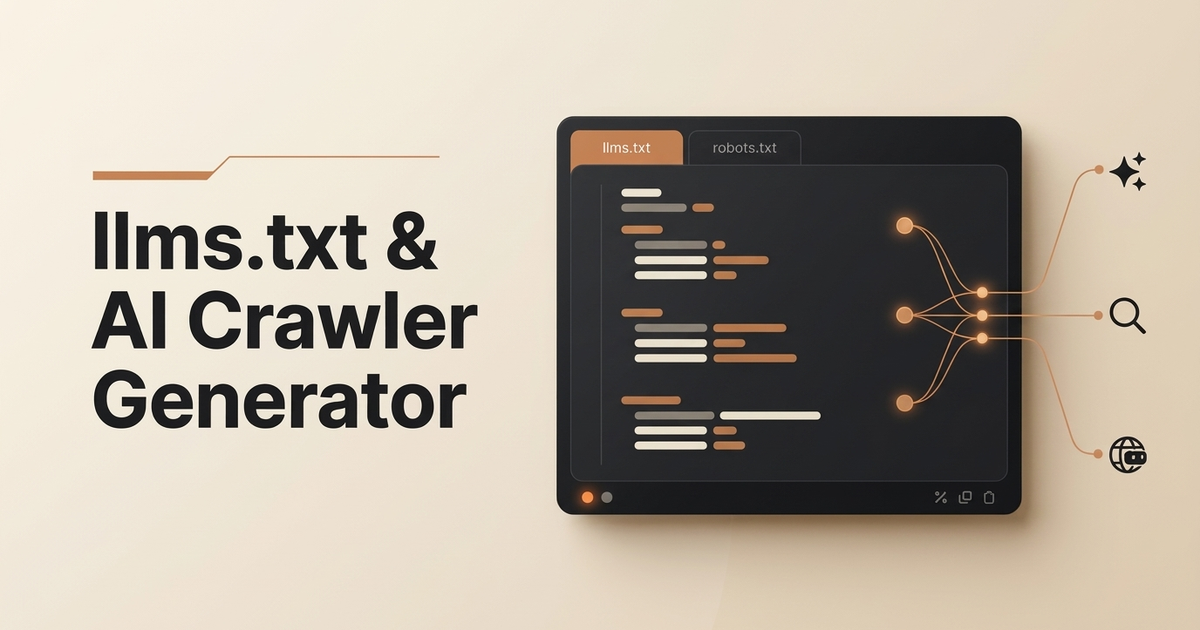
Free llms.txt & AI Crawler robots.txt Generator
Build an official llmstxt.org compliant llms.txt file and configure crawler permissions for ChatGPT Search, Perplexity, Claude, and Gemini in under 60 seconds.
Priority Pages & Sections
# Rajat Upadhyay Consultancy

> AI Automation, Digital Marketing & B2B/B2C Growth Systems Architect based in Ahmedabad, India.

Rajat Upadhyay helps founders, agencies, and local businesses scale with autonomous n8n/Make AI workflows, high-ROI performance marketing, Local SEO, and 20+ commercial offline software tools.

## Core Services & Advisory
- [AI Brand Integration & Workflows](https://rajatupadhyay.in/services/ai-brand-integration/): End-to-end n8n, Make.com, and custom AI agent pipelines for enterprises.
- [AEO, SXO & Generative Engine SEO](https://rajatupadhyay.in/services/seo-aeo-sxo-geo/): Optimize websites to rank in Google AI Overviews, ChatGPT Search, and Perplexity.
- [Google My Business & Local SEO](https://rajatupadhyay.in/services/gmb-rank/): Local 3-Pack ranking and suspension recovery for service businesses.

## Commercial Software Store
- [LeadRadar Pro (Google Maps B2B Scraper)](https://rajatupadhyay.in/store/google-maps-b2b-lead-generator-studio/): One-time purchase desktop B2B lead extractor with zero API key required.
- [Free llms.txt & AI robots.txt Generator](https://rajatupadhyay.in/tools/llms-txt-generator/): Free browser-based GEO tool for configuring AI search crawlers.
How to Use & Deploy llms.txt and AI robots.txt in 3 Minutes
Direct Answer: To optimize your website for ChatGPT Search, Perplexity, Claude, and Google AI Overviews, generate a clean Markdown llms.txt file using Tab 1, configure your AI bot rules in Tab 2, download both files, and upload them to your domain root folder so they resolve at https://yourdomain.com/llms.txt and https://yourdomain.com/robots.txt.
Select Preset & Enter Brand Details
Pick an industry template in Tab 1, enter your Brand Name (H1), one-line summary, and your highest-converting product/service URLs.
Configure AI Search Bots
Open Tab 2 and keep OAI-SearchBot, PerplexityBot, ClaudeBot, and Googlebot allowed while blocking aggressive scrapers like Bytespider.
Validate & Download Both Files
Use Tab 3 to verify a 100/100 AI Readiness Score, then download both llms.txt and robots.txt directly to your computer.
Upload to Your Website Root
In Next.js, place both files in /public. In WordPress or Hostinger cPanel, upload them into /public_html. Test them live in your browser.
Hostinger / cPanel / WordPress
Open File Manager, navigate to public_html/, click Upload, and drop both llms.txt and robots.txt.
Next.js / Vercel / React
Place both files inside your project's /public/ folder and redeploy. Next.js serves them automatically at the root URL.
Bonus: HTML Head Discovery
Add <link rel="alternate" type="text/plain" href="/llms.txt" /> inside your site's <head> for instant crawler discovery.
robots.txt vs sitemap.xml vs llms.txt: Complete Comparison
| File | Primary Purpose | Format | Used By |
|---|---|---|---|
| /robots.txt | Access control (Allow / Disallow rules) | Plain Text | Googlebot, Bingbot, GPTBot, PerplexityBot |
| /sitemap.xml | Exhaustive list of all indexable URLs | XML | Google Search Console, Bing Webmaster |
| /llms.txt | Curated context, summaries & priority links | Clean Markdown | ChatGPT, Claude, Perplexity, Gemini, Cursor |
Frequently Asked Questions
Want to Rank #1 in ChatGPT Search, Perplexity & Google AI Overviews?
Read our deep-dive engineering guide on how llms.txt works, or explore our commercial Programmatic SEO Kit and AEO/GEO consultancy services.